

RPC
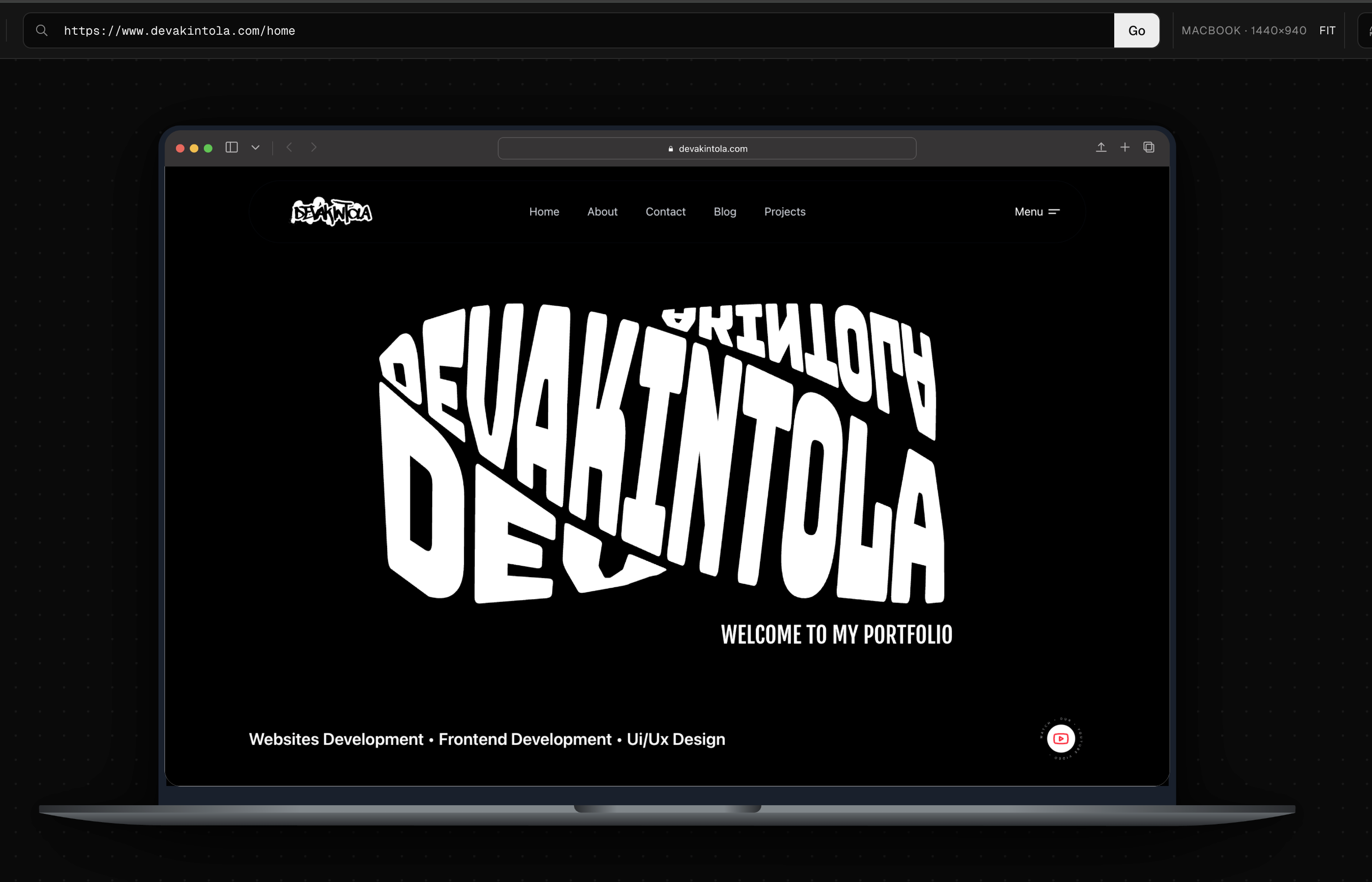
A Chrome MV3 extension I built to preview any URL inside realistic device frames on a zoomable, pannable canvas, with no dev tools or cloud service needed.
Browser Extension Development & Tooling
3 Weeks

Introduction
A Chrome MV3 extension I built to preview any URL inside realistic device frames on a zoomable, pannable canvas, with no dev tools or cloud service needed.
Work Done
Chrome Extension
Challenges
Standard iframes often block third-party websites due to security headers like X-Frame-Options and Content Security Policy (CSP). Additionally, standard HTML setups do not easily support full-page, multi-scroll stitching for automated screenshots.
Solutions
I engineered a background service worker using the Chrome declarativeNetRequest API to strip restrictive frames headers safely, but only for sub-frames inside the extension panel. I also used vanilla TypeScript to build a fully physical canvas using matrix transforms, and a custom postMessage script injected into the frame to manage tall, multi-scroll screenshot assembly.
Results
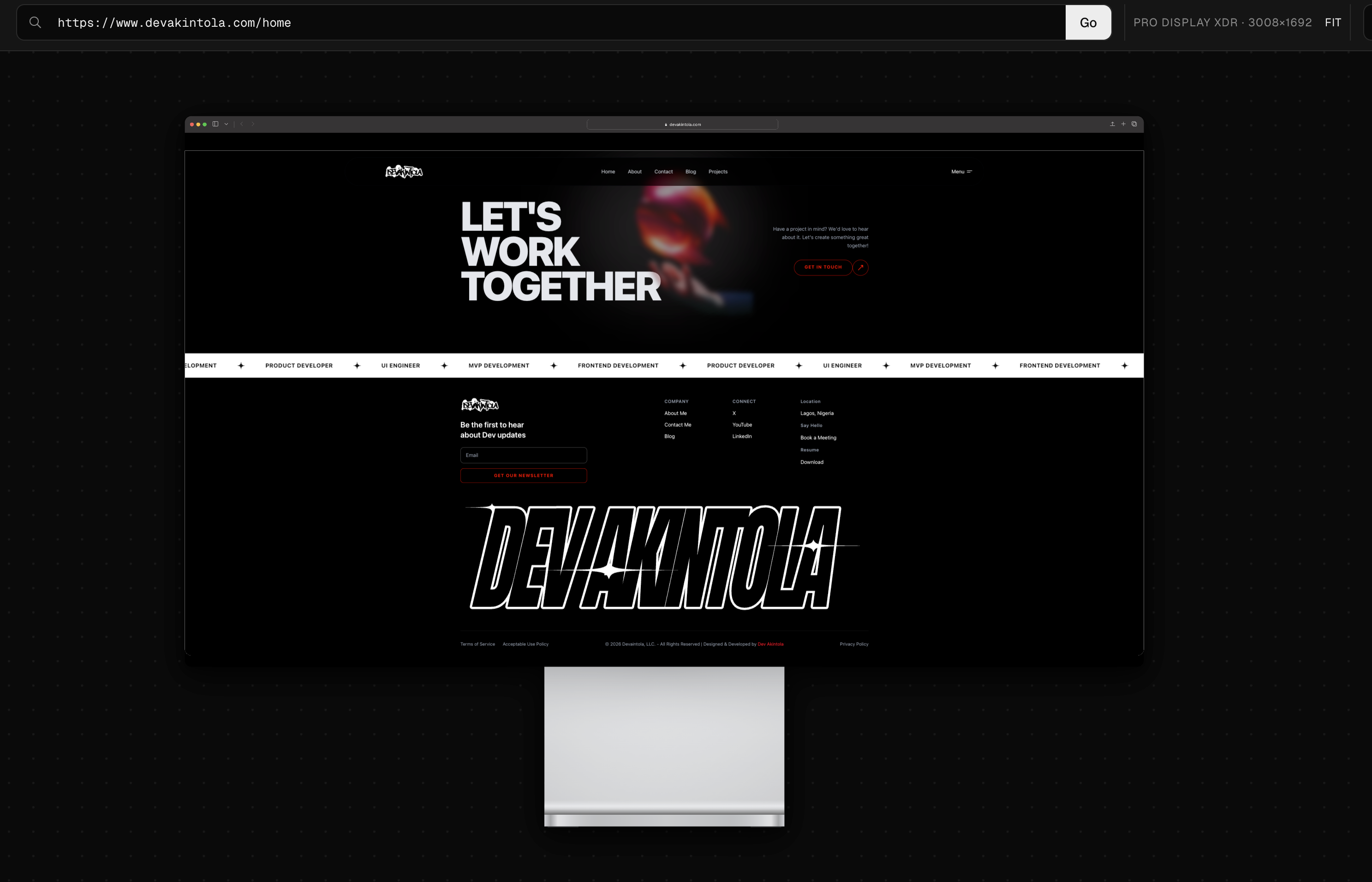
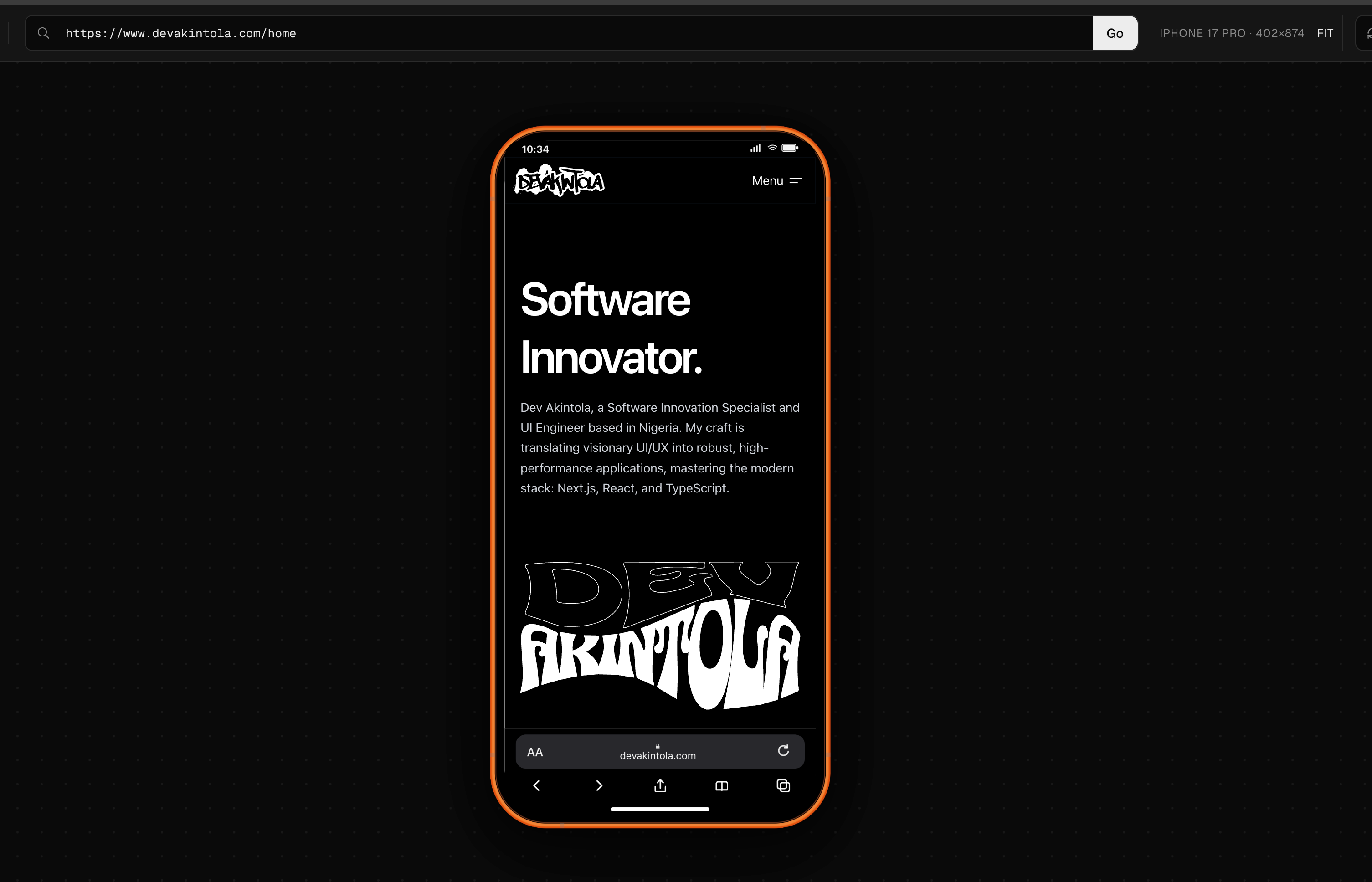
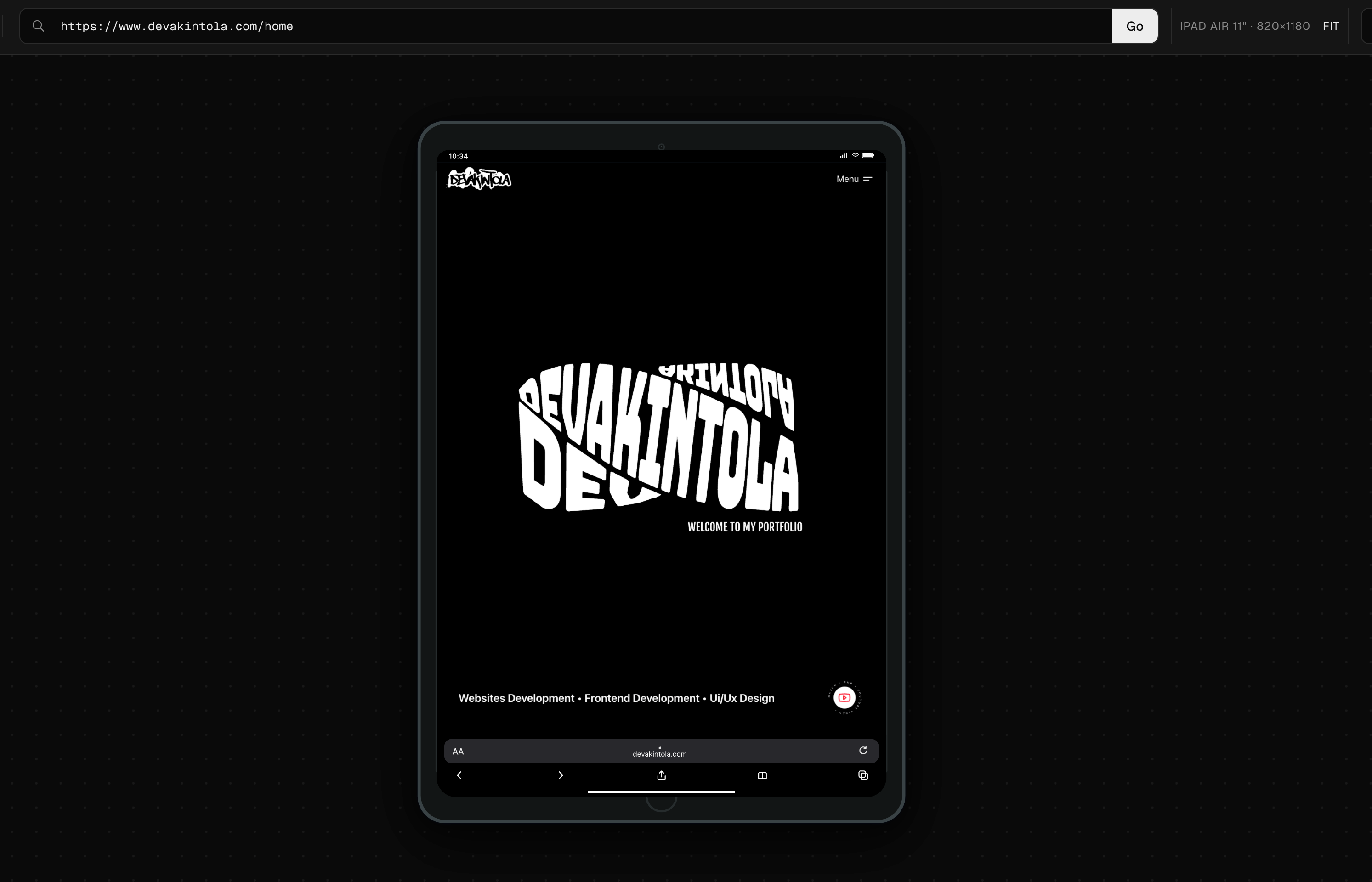
A high-performance, lightweight development tool packed into a clean Chrome panel. It includes accurate SVG device mockups, fluid panning/zooming, global keyboard shortcuts, responsive breakpoint lines, and reliable full-page image exports.
Details
The problem
Testing responsive layouts usually means wrestling with dev tools or paying for a slow cloud service. I built Responsive Point Check (RPC) to do it locally, in one click from the toolbar.
Getting past iframe blocking
The hard part of embedding live sites in a testing tool is that most platforms send `X-Frame-Options: DENY` or strict CSP headers to block iframes. I handled it with a Manifest V3 background service worker that uses the declarativeNetRequest API to strip those headers, but I scoped the rules tightly so they only fire for frames running inside the RPC panel. Your normal browsing security stays untouched.
No framework, on purpose
To keep the extension fast, offline-ready, and small, I skipped the heavy frontend frameworks and built it in vanilla TypeScript with a 30-line DOM helper of my own. The canvas uses CSS `translate3d` and scale transforms, so you can pan, drag, and zoom into device frames smoothly.
A few details I cared about:
- Real device SVGs (iPhone, iPad, MacBook) instead of generic wireframe boxes, so frames scale without blurring.
- Full-page capture: the panel talks to the iframe over postMessage, scrolls it step by step, snapshots each section, and stitches them into one tall PNG.
- A Playwright workflow that checks everything from keyboard maps to the safety of the network rules on every build.
The result is a fast, framework-free browser tool built on modern extension standards.

Tope Akintola
May 18, 2026
Browser Extension Development & Tooling